
Introduction
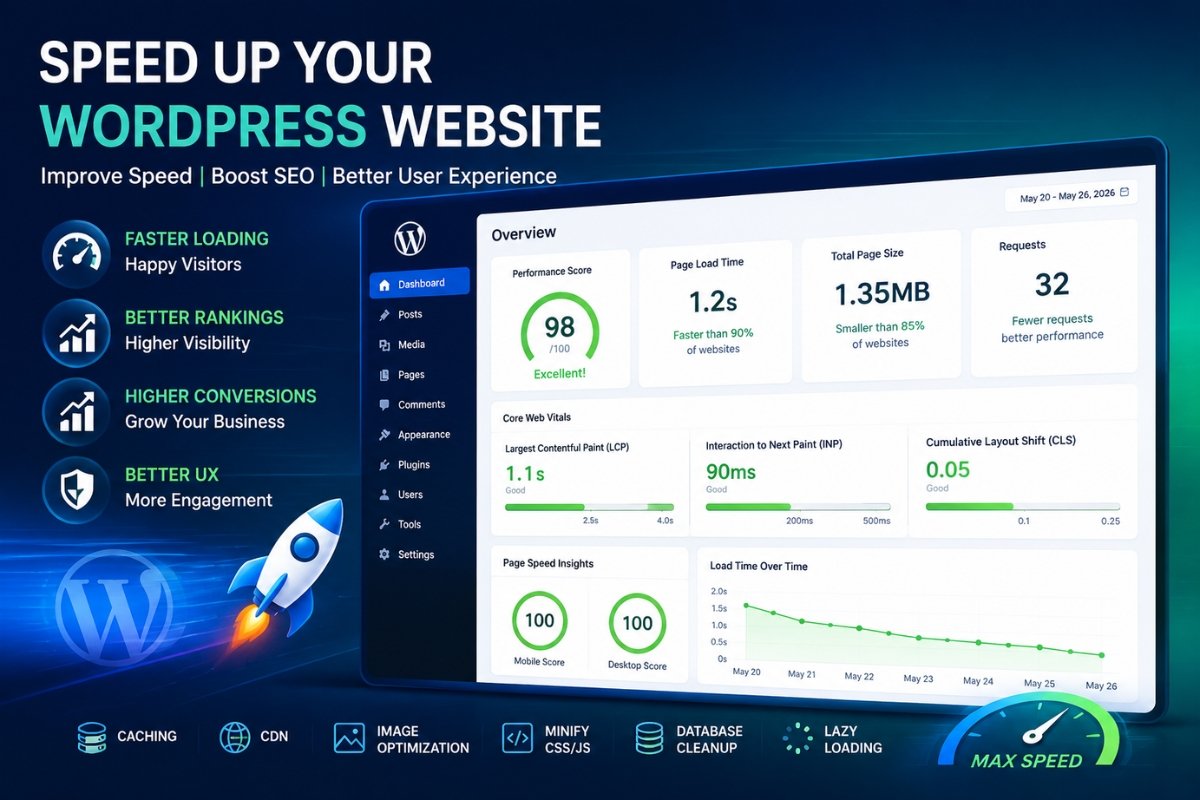
A slow website can hurt your SEO rankings, reduce conversions, and frustrate visitors.
According to studies, users often leave websites that take more than a few seconds to load.
If your WordPress site feels slow, you’re not alone.
The good news is that most speed issues can be fixed without rebuilding your website.
In this guide, you’ll learn practical ways to speed up a slow WordPress website in 2026.
Why Website Speed Matters
A fast website helps:
✅ Improve Google rankings
✅ Increase user engagement
✅ Reduce bounce rate
✅ Improve conversion rates
✅ Enhance user experience
Google’s Core Web Vitals now play a major role in search rankings.
A faster website means better SEO performance.
Common Causes of Slow WordPress Websites
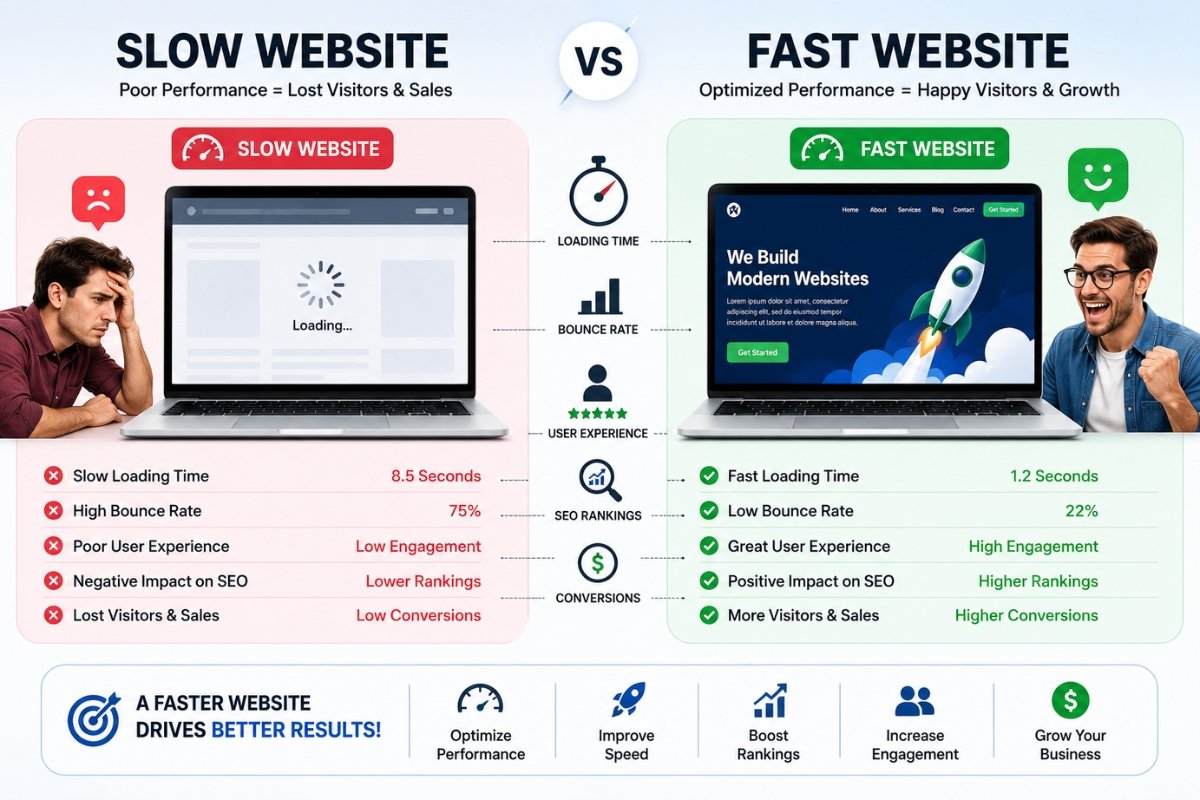
The most common reasons include:
• Cheap hosting
• Large images
• Too many plugins
• Poor theme optimization
• Unoptimized databases
• Lack of caching
• Slow third-party scripts
• No CDN
Before fixing speed issues, identify the bottleneck.
1. Choose Quality Hosting
Your hosting provider has the biggest impact on performance.
Poor hosting often causes:
• Slow server response
• High TTFB
• Downtime issues
• Resource limitations
Look for:
• LiteSpeed servers
• NVMe SSD storage
• Latest PHP version
• Strong uptime
• Server-side caching
Good hosting alone can significantly improve loading speed.
2. Use LiteSpeed Cache
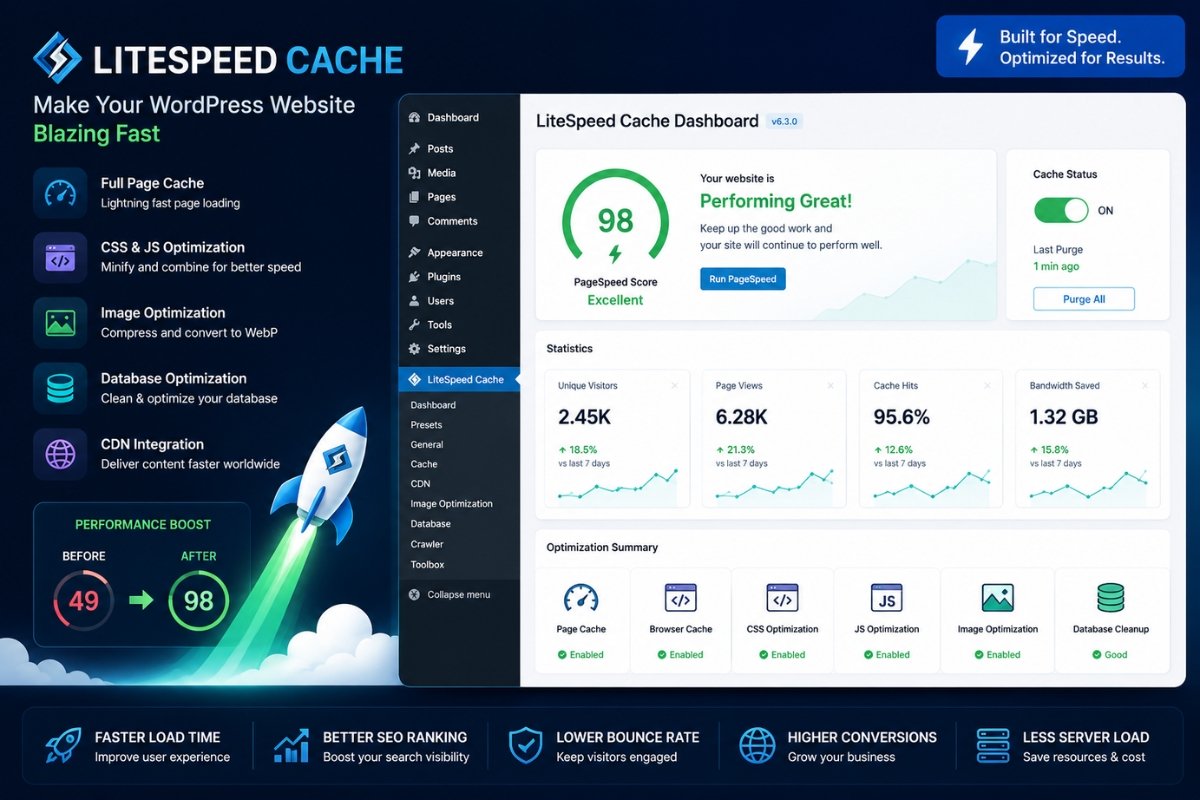
LiteSpeed Cache is one of the most powerful WordPress optimization plugins.
Benefits:
• Page caching
• Browser caching
• CSS optimization
• JavaScript optimization
• Image optimization
• Database cleanup
• CDN integration
For LiteSpeed hosting, this plugin is highly recommended.
3. Optimize Images
Large images are one of the biggest causes of slow websites.
Best practices:
• Compress images
• Use WebP format
• Resize before uploading
• Avoid unnecessary large files
Recommended plugins:
• LiteSpeed Image Optimization
• ShortPixel
• Imagify
• Smush
Image optimization can reduce page size dramatically.
4. Enable a CDN
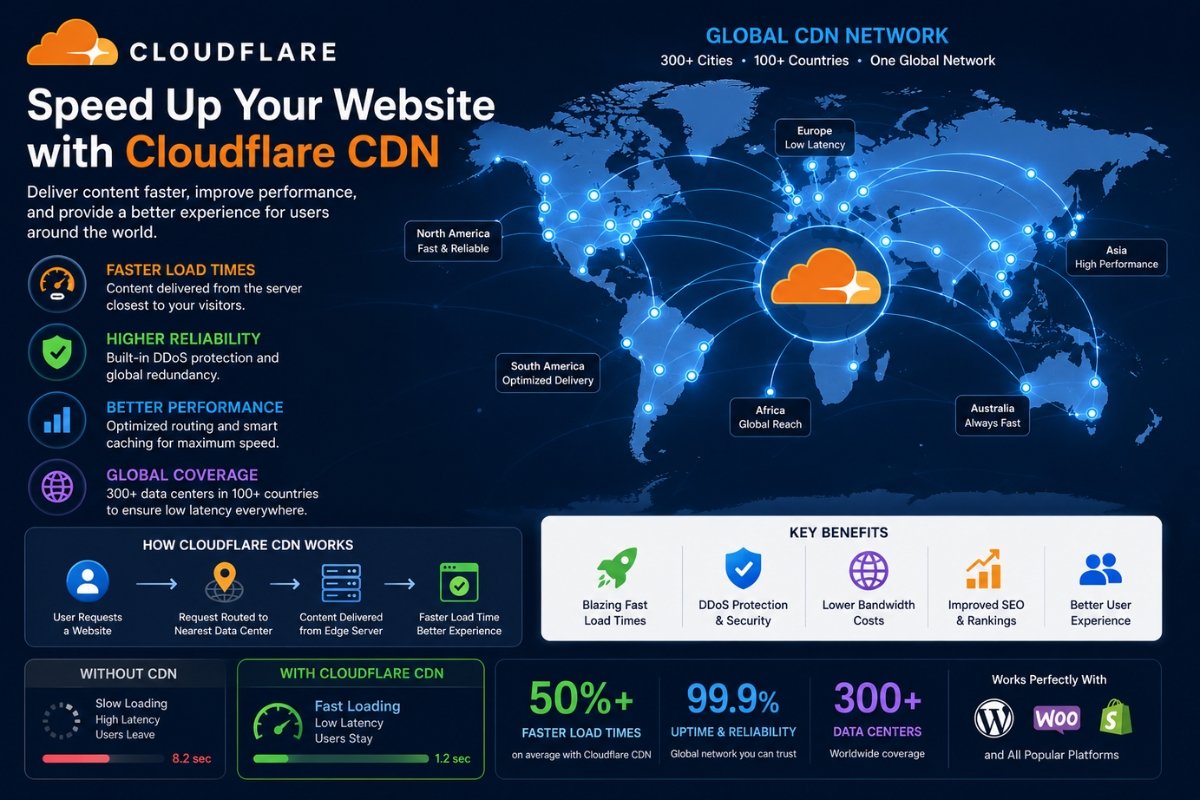
A Content Delivery Network (CDN) stores copies of your website around the world.
Benefits:
• Faster global loading
• Reduced server load
• Better performance
• Improved reliability
Popular options:
• Cloudflare
• Bunny CDN
• QUIC.cloud
Cloudflare’s free plan is enough for many websites.
5. Minify CSS and JavaScript
Many websites load unnecessary code.
Optimization includes:
• Minify CSS
• Minify JavaScript
• Remove unused CSS
• Defer JavaScript
This reduces page size and speeds up rendering.
LiteSpeed Cache can handle most of these tasks automatically.
6. Remove Unused Plugins
Every plugin adds code and database queries.
Audit your plugins regularly.
Remove:
• Unused plugins
• Duplicate functionality plugins
• Abandoned plugins
• Heavy resource-consuming plugins
Fewer plugins generally mean better performance.
7. Update PHP Version
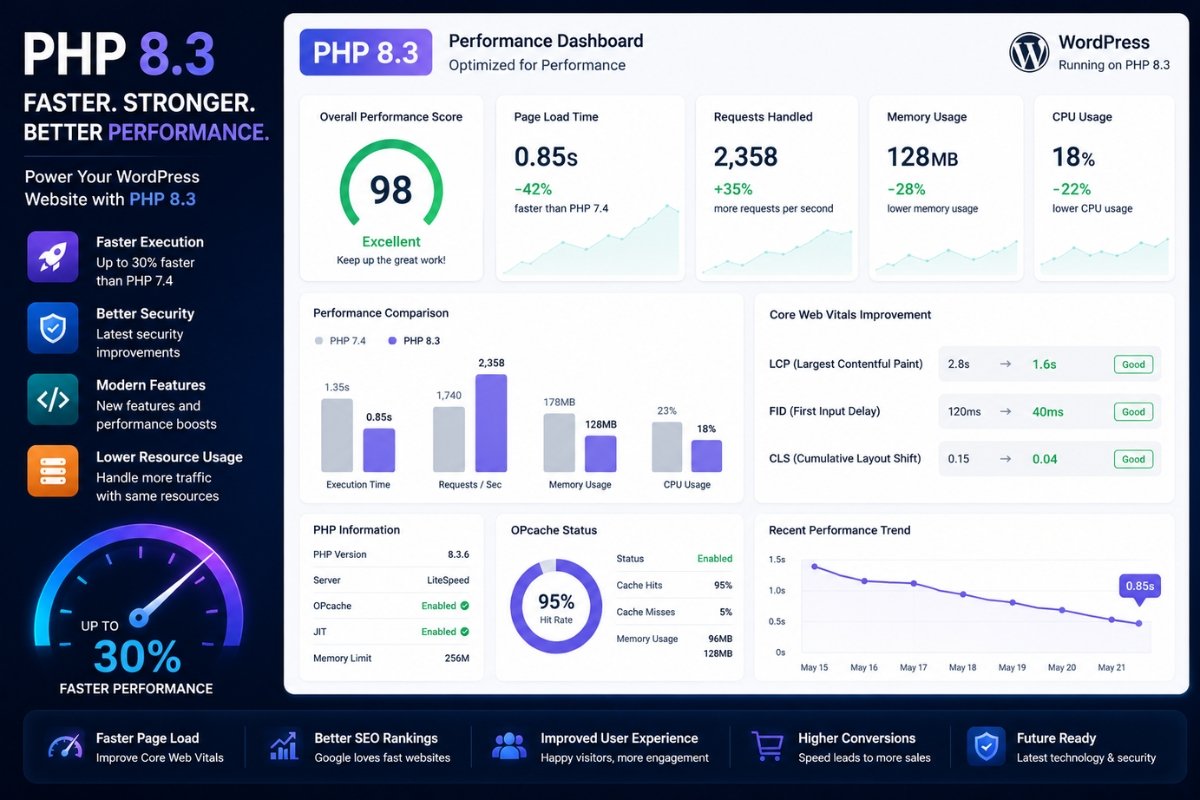
Using an outdated PHP version can slow your website.
Recommended:
• PHP 8.2+
• PHP 8.3 if fully compatible
Benefits:
• Faster execution
• Better security
• Lower resource usage
Always test compatibility before upgrading.
8. Optimize Your Database
Over time, WordPress databases become cluttered.
Common issues:
• Post revisions
• Spam comments
• Expired transients
• Orphaned data
Database optimization improves query speed.
LiteSpeed Cache and WP-Optimize can help.
9. Use a Lightweight Theme
Some themes are overloaded with features.
Choose lightweight themes such as:
• Astra
• GeneratePress
• Kadence
• Blocksy
A lightweight theme reduces page load time.
10. Limit Third-Party Scripts
Third-party scripts often slow websites.
Examples:
• Excessive ads
• Multiple analytics tools
• Chat widgets
• Social media widgets
Only use scripts that provide real value.
11. Enable Lazy Loading
Lazy loading delays image loading until needed.
Benefits:
• Faster initial load
• Reduced bandwidth usage
• Better Core Web Vitals
Modern WordPress versions support lazy loading by default.
12. Monitor Core Web Vitals
Use tools such as:
• Google PageSpeed Insights
• Google Search Console
• GTmetrix
• Pingdom
Monitor:
• Largest Contentful Paint (LCP)
• Interaction to Next Paint (INP)
• Cumulative Layout Shift (CLS)
Improving these metrics helps rankings.
Recommended Optimization Stack
For most small business websites:
Hosting
LiteSpeed Hosting
Cache Plugin
LiteSpeed Cache
CDN
Cloudflare
Image Optimization
WebP + LiteSpeed Optimization
PHP
PHP 8.2 or newer
This setup works extremely well for most WordPress websites.
Speed Optimization Checklist
✔ Quality Hosting
✔ LiteSpeed Cache
✔ Cloudflare CDN
✔ WebP Images
✔ PHP 8.2+
✔ Database Cleanup
✔ Minified CSS & JS
✔ Lightweight Theme
✔ Lazy Loading
✔ Plugin Audit
Final Verdict
Website speed directly impacts SEO, user experience, and conversions.
If your WordPress site feels slow, focus on:
- Better Hosting
- LiteSpeed Cache
- Image Optimization
- Cloudflare CDN
- Database Cleanup
These five changes alone can dramatically improve performance.
A fast website not only ranks better but also provides a better experience for visitors.
Choosing the right hosting provider is critical. Read our guide on How to Choose the Right Web Hosting for Your Website.
Learn why poor hosting affects website speed in our article on Why Cheap Hosting Can Destroy Your Website Performance
