

In today’s fast-moving business world, companies must work smarter to stay ahead. Productivity software has become essential for businesses of all sizes. This technology helps teams manage tasks, share information, and automate routine work. But how does productivity software really improve business efficiency? Let’s explore the main benefits and see some real examples that show its impact.
What Is Productivity Software?
Productivity software includes digital tools that help people and teams do their work faster and better. Common examples are project management apps, document sharing platforms, communication tools, and time-tracking systems. These tools are used in almost every industry, from tech startups to global banks.
Some well-known productivity tools are Microsoft 365, Slack, Asana, and Google Workspace. Each offers features to organize work, improve communication, and help teams stay on track.
Key Ways Productivity Software Boosts Efficiency
1. Centralized Information
A major challenge for businesses is keeping information organized. Productivity software stores files, conversations, and project details in one place. This means less time searching for documents or emails.
For example, cloud-based tools like Google Drive let employees access files from anywhere. This is especially useful for remote teams or companies with multiple locations.
2. Improved Communication
Miscommunication wastes time and causes mistakes. Productivity software provides real-time messaging, video calls, and shared calendars. Teams can check progress, ask questions, and set meetings easily.
Slack is a good example. It lets teams create channels for different projects, so everyone can focus on what matters to them. This reduces email overload and keeps conversations clear.
3. Task And Project Management
Productivity tools help managers assign tasks, set deadlines, and monitor progress. This makes it easier to see what needs attention and avoid missed deadlines.
Here’s a simple comparison of popular project management tools:
| Tool | Best For | Key Feature |
|---|---|---|
| Asana | Small to medium teams | Task tracking |
| Trello | Visual planners | Kanban boards |
| Monday.com | Large teams | Custom workflows |
These tools show who is responsible for each task and when it’s due. This level of clarity helps teams stay productive.
4. Automation Of Routine Tasks
Many daily tasks are repetitive, like sending reminders or updating spreadsheets. Productivity software can automate these jobs. This frees up time for more important work.
For instance, Zapier connects different apps so actions in one tool can trigger tasks in another. Automating simple jobs reduces errors and speeds up processes.
5. Time Tracking And Analytics
Knowing where time goes helps businesses find weak spots. Productivity software often includes time-tracking and reporting features. Managers can see how long projects take and spot bottlenecks.
Consider this data sample:
| Task | Average Time Before (hrs) | Average Time After (hrs) | Improvement (%) |
|---|---|---|---|
| Weekly Report Prep | 4 | 2.5 | 37.5% |
| Client Updates | 2 | 1 | 50% |
This shows how using productivity tools can directly save time.
Real-world Impact: Case Examples
Many companies have seen big improvements after adopting productivity software.
- IBM reported that using collaboration tools cut project completion times by 20%.
- A small marketing agency used Asana and reduced missed deadlines by 40% in six months.
- A retail company switched to cloud-based file sharing and cut document search time by 60%.
These results are not just about saving time. They also lead to better customer service, higher employee satisfaction, and more profits.
Non-obvious Insights For Greater Efficiency
Many beginners focus only on features. But there are two important points they often miss:
- Integration Matters More Than You Think: Productivity software is most powerful when it connects with other tools your business uses. For example, linking your CRM with your project management system means sales data flows smoothly, reducing double entry and mistakes.
- Adoption Is Key: The best tool will not help if your team does not use it. Training, support, and clear rules for how to use the software are just as important as the features themselves.
Ignoring these factors often leads to wasted investments.

Credit: rightminddev.com
Common Mistakes When Using Productivity Software
Even with the best tools, mistakes can limit results:
- Overcomplicating Workflows: Using too many apps or features can confuse teams and slow things down.
- Not Updating Processes: Old habits can make new software less useful. Review and adjust your workflow to fit the tool.
- Skipping Training: Even simple tools have a learning curve. Skipping training leads to frustration and poor results.
Focus on keeping things simple, and update your approach regularly for the best efficiency.
Choosing The Right Productivity Software
Picking the right tool depends on your needs. Here’s a quick comparison:
| Need | Recommended Tool | Why? |
|---|---|---|
| Team Communication | Slack | Real-time messaging |
| Document Collaboration | Google Workspace | Easy file sharing |
| Task Tracking | Asana | Simple project management |
| Automation | Zapier | Connects many apps |
Think about your main pain points and choose a tool that fits those needs. Don’t be afraid to test different options before making a final choice.
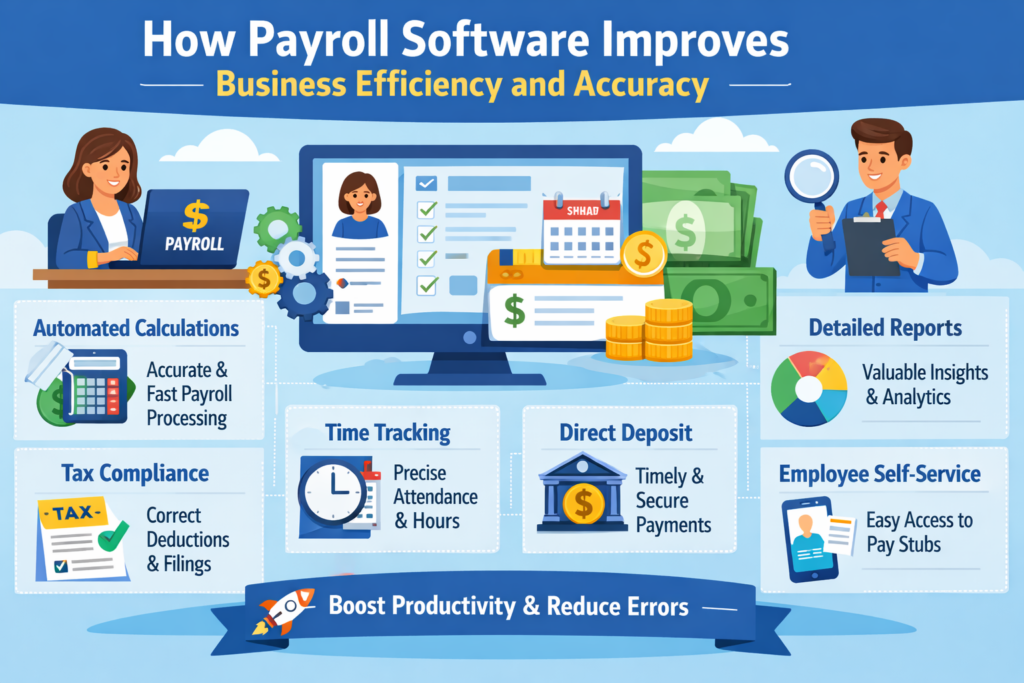
Credit: weekmate.in
The Future Of Productivity Software
New trends like AI-powered automation and smart analytics are shaping the future of business productivity. Tools are getting better at predicting needs, suggesting actions, and learning from data. This means even more time savings and smarter work ahead.
For businesses, staying updated with new tools is now a must, not just a bonus. Regularly reviewing and upgrading your software stack keeps you competitive.
Frequently Asked Questions
How Does Productivity Software Save Time For Businesses?
It reduces time spent on repetitive tasks, centralizes information, and streamlines communication. This means teams spend less time searching for files or waiting for replies.
Can Small Businesses Benefit From Productivity Software?
Yes. Many tools are affordable and easy to use. Even a small team can see big gains in organization, speed, and fewer mistakes.
What Should I Consider Before Choosing Productivity Software?
Focus on your main business needs, ease of use, cost, and how well the tool integrates with your current systems.
Are There Risks With Using Productivity Software?
Main risks include data security concerns, poor adoption by staff, or over-reliance on too many tools. Choose trusted providers and offer training to your team.
Where Can I Learn More About Leading Productivity Tools?
You can find detailed reviews and comparisons at the PCMag Productivity Apps Guide.
Productivity software is now a key part of modern business. By choosing the right tools, focusing on adoption, and keeping workflows simple, companies can see real improvements in efficiency and results.
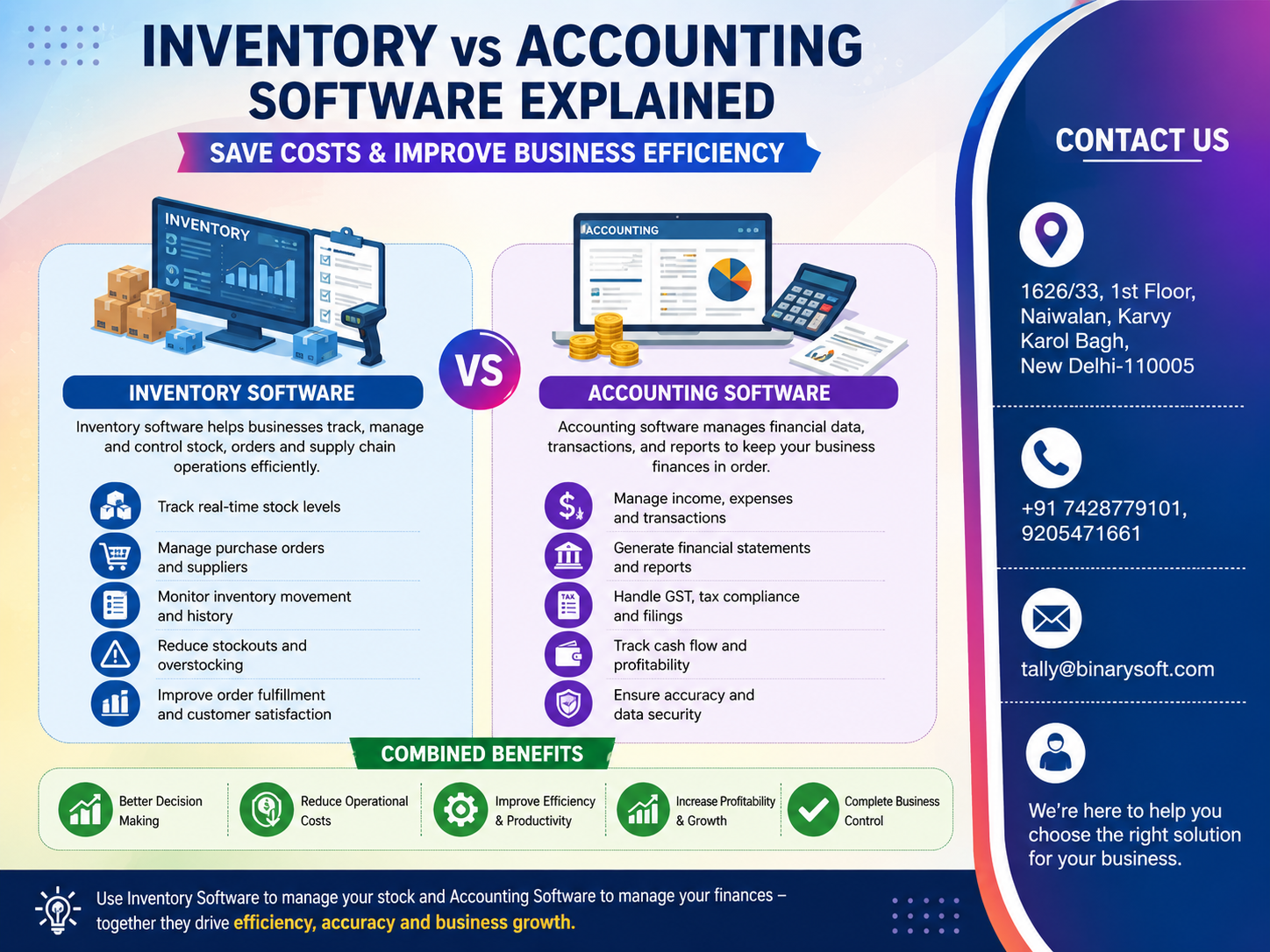
Credit: www.tallyatcloud.com
