Notion Vs Evernote Comparison 2026: Which Productivity Tool Is Better?
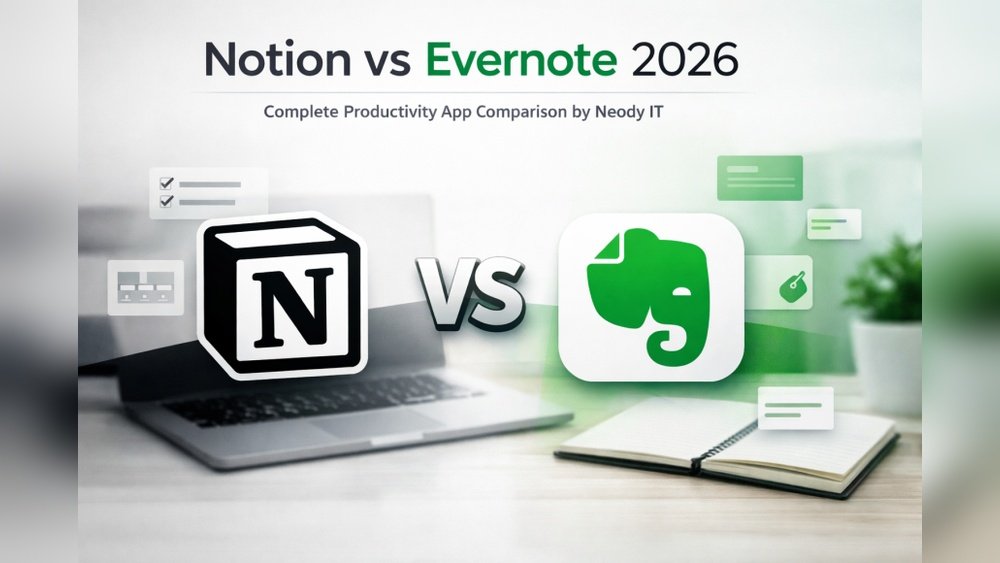
If you want to be more organized in 2026, you probably heard about Notion and Evernote. Both tools promise to help you manage your notes, tasks, and projects. But which one is better for you? This article breaks down the main differences and shares real examples so you can pick the right productivity tool.
Core Features Comparison
Notion and Evernote have evolved quickly over the last few years. Let’s look at their main features side by side:
| Feature | Notion | Evernote |
|---|---|---|
| Notes & Pages | Rich pages, databases, blocks | Simple notes, notebooks |
| Task Management | Kanban boards, to-do lists, reminders | Basic checklists, reminders |
| Collaboration | Real-time, comments, sharing | Share notes, limited collaboration |
| Customization | Templates, layouts, integrations | Tags, notebooks, limited templates |
| Search | Advanced, filters, database queries | Powerful, OCR for images/PDFs |
Notion feels more flexible, letting you build custom pages and databases. You can design your own dashboards, add calendars, and even link databases together. For example, a freelancer might track client projects, deadlines, and invoices all in one workspace. This level of customization helps users who want to create a tool that fits their unique workflow.
Evernote is simpler, focusing on fast note-taking and searching. You open the app, start typing, and organize notes into notebooks or use tags. This straightforward approach is great for people who don’t want to spend time setting things up. For instance, if you attend many meetings and just need to jot down action points, Evernote’s speed and simplicity are clear advantages.
A common detail beginners miss: Notion pages can be turned into databases with advanced sorting and filtering, which is not possible in Evernote.
User Experience & Interface
Both platforms have made big updates for 2026. Here’s how they compare:
| Aspect | Notion | Evernote |
|---|---|---|
| Design | Minimal, modern | Classic, clean |
| Speed | Improved, still slower with large files | Fast, handles big notes well |
| Mobile App | Rich features, sometimes laggy | Smoother, reliable offline |
| Learning Curve | Steep for beginners | Easy, intuitive |
Many users say Notion is powerful but confusing at first. There are many menus, block types, and ways to structure information, which can feel overwhelming. If you like exploring and building things your way, you’ll enjoy this freedom. However, if you prefer clear instructions and a set path, Notion’s flexibility might slow you down.
Evernote is quicker to learn but offers fewer advanced options. The interface remains familiar and stable, which is comforting for long-term users. Even if you haven’t used Evernote in years, you can return and find your way in minutes. The mobile app is especially strong for capturing ideas on the go—just open, write, and save.
One insight: Notion’s web-based interface means you always have the latest version, but it relies more on a good internet connection. Evernote’s offline mode helps travelers or anyone with unreliable Wi-Fi.
Pricing & Plans
In 2026, both tools offer free and paid plans. Here’s a quick breakdown:
| Plan | Notion | Evernote |
|---|---|---|
| Free | Unlimited pages, block limits, limited file uploads | 60 MB/month, basic features |
| Personal | $8/month, unlimited storage, advanced integrations | $10/month, unlimited uploads, AI search |
| Team/Business | $15/user/month, advanced collaboration | $16/user/month, admin tools |
Notion’s free plan is more generous for personal use. You can create as many pages as you want and explore most features, though there are some upload limits. This is helpful for students or freelancers testing the platform before paying.
Evernote’s paid plans focus on search and large attachments. If you often save PDFs, scan images, or need to find text inside documents, Evernote’s premium features will save time. Their AI search can even recognize handwriting in scanned notes, a feature Notion does not offer.
A practical tip: Check if your organization offers business plans—sometimes they provide extra features at a group discount. Also, pay attention to storage limits if you attach many files or images.
Real-life Use Cases
Let’s see how these tools work in everyday situations.
- Students: Notion’s templates help organize classes, assignments, and schedules. You can link notes to deadlines and get reminders for exams. Evernote is better for quick lecture notes and scanning handouts. For example, you can snap a photo of the whiteboard and find keywords later.
- Professionals: Notion lets you build project trackers, CRM, and databases. If you work in marketing, you can set up editorial calendars and content pipelines. Evernote is useful for storing meeting notes and research. You can tag notes by client or topic, and quickly retrieve what you need before meetings.
- Teams: Notion shines in team collaboration and project planning. You can assign tasks, comment in real time, and track progress across different team spaces. Evernote is good for sharing notes, but lacks deep teamwork features like permission controls or task assignments.
A non-obvious tip: Notion is ideal for people who want to build their own system. For example, a designer might create a portfolio, mood board, and project tracker in one workspace. Evernote suits those who prefer a ready-to-use app—just open, write, and organize with tags.
Another detail: Notion’s databases can be used to track habits, reading lists, or even recipes, giving creative users extra flexibility.
Credit: techbaaz.com
Integrations & Automation
Both tools connect to other apps, but in different ways.
- Notion integrates with Slack, Google Drive, and Zapier. You can create custom workflows, but setup takes time. For example, you can send completed tasks from Notion to Google Calendar or Slack notifications when a project phase changes.
- Evernote links with Microsoft Teams, Google Calendar, and offers simple automation. Its focus is capturing info fast. For example, you can save emails from Gmail directly to Evernote or set reminders for important notes.
A key insight: Notion’s integrations are powerful but hidden. Many beginners miss the ability to automate database updates with Zapier, saving hours each month. For example, you could automatically add new sales leads from a website form into a Notion CRM database.
Another tip: Evernote’s web clipper is a hidden gem. It lets you save articles, screenshots, and web pages with a single click, organized into notebooks instantly.
Security & Privacy
Security matters for your notes and data.
- Notion uses encryption for data at rest and in transit. In 2026, it added two-factor authentication for all accounts. This means hackers need more than just your password to access your workspace.
- Evernote offers encryption, device security, and private note sharing. It is also compliant with GDPR and other privacy standards. You can encrypt parts of a note for added privacy, which is useful for storing sensitive information like passwords or personal details.
For sensitive information, both are solid. However, Evernote’s offline mode gives extra privacy when you travel or have slow internet. You can choose which notebooks are stored locally, so your data is accessible even without Wi-Fi.
One more insight: Notion’s security is strong, but it stores everything in the cloud. If you want to keep some information completely offline, Evernote offers more control.

Credit: www.youtube.com
Which Should You Choose?
The best tool depends on your needs:
- Choose Notion if you want to build custom workspaces, handle complex projects, or collaborate with teams. Its flexibility is unmatched. People who enjoy organizing and optimizing their workflow will appreciate Notion’s building blocks and templates.
- Choose Evernote if you need fast note-taking, reliable search, and easy offline access. It’s perfect for simple organization. Writers, journalists, and busy professionals often prefer Evernote for its speed and ease.
A mistake many users make is picking Notion for quick notes. If you just want to jot down ideas, Evernote is easier. Notion is best for planning, tracking, and managing information.
For more in-depth comparisons, check out Wikipedia’s comparison of note-taking software.
Frequently Asked Questions
Is Notion Better Than Evernote For Students?
Notion is better for students who want to organize courses, schedules, and tasks in one place. Evernote is easier for fast note-taking and scanning documents. If you want to track class materials, assignments, and exam dates, Notion is excellent. But if you just need to capture quick notes or ideas, Evernote is a better fit.
Can I Use Evernote Offline?
Yes, Evernote works offline on both mobile and desktop. You can access, edit, and sync notes when you reconnect. This is especially useful for travel or when you have limited internet access.
Does Notion Offer Better Team Collaboration?
Notion offers advanced team collaboration with real-time editing, comments, and shared databases. You can set permissions, assign tasks, and see changes instantly. Evernote’s team features are more basic, mostly focused on sharing and viewing notes.
Which App Has Stronger Search Features?
Evernote’s search is stronger for finding text in images and PDFs. This is helpful if you scan a lot of business cards, receipts, or handwritten notes. Notion’s search is powerful for databases and structured pages, letting you filter and sort information in many ways.
Is Notion Or Evernote More Secure?
Both apps use encryption and privacy controls. Evernote’s offline mode gives extra security when internet is not available. Notion’s two-factor authentication adds protection for online work. For maximum privacy, Evernote’s note encryption adds another layer.
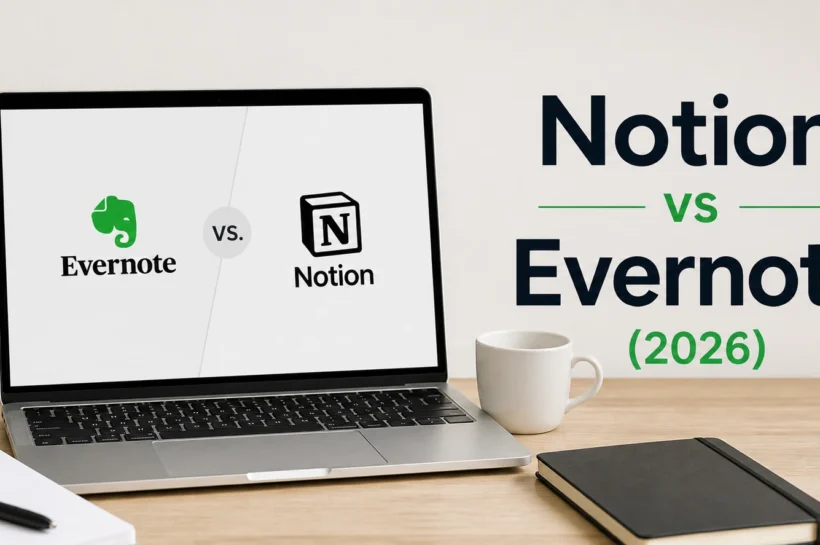
Choosing between Notion and Evernote can be tough, but understanding your workflow helps. Try both tools and see which fits your style. The right productivity app makes your daily life easier, more organized, and less stressful. Sometimes, people even use both: Notion for planning and Evernote for capturing. The key is to pick the tool that keeps you focused and supports your goals.

Credit: www.taskade.com
