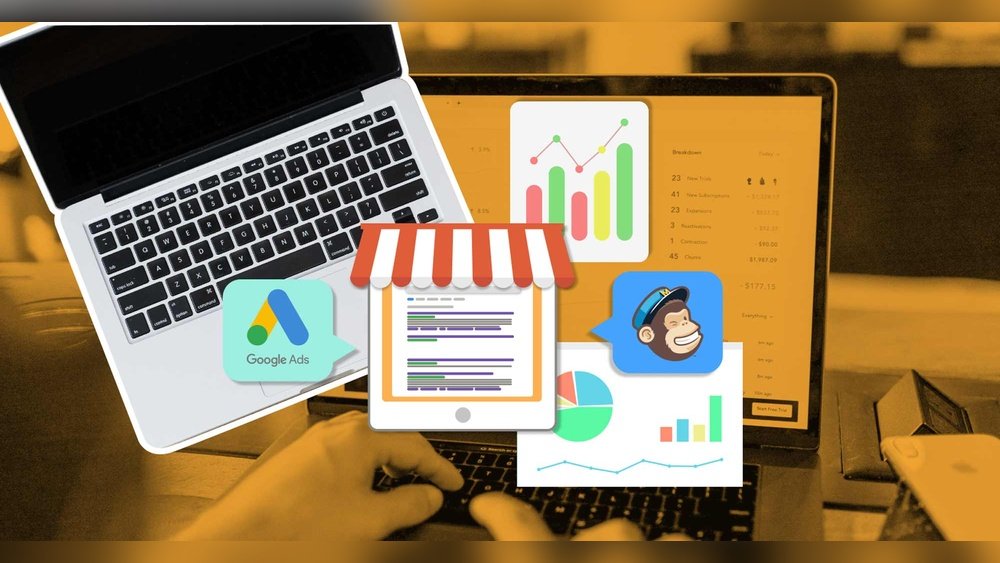
Running a small business today means more than just selling products or services. The digital world is always changing, and using the right digital tools can help a business grow, save money, and work smarter. Many owners feel lost with so many options. But the right set of tools can make daily tasks easier and help a business stand out from the competition.
Essential Digital Tools For Small Businesses
Finding the perfect mix of digital tools is not about having the most, but about having the right ones. Here are some of the best digital tools that every small business should consider.
1. Communication And Collaboration
Good communication keeps teams connected, even if they work from different locations. Two popular tools stand out:
- Slack: Great for team messaging, file sharing, and organizing conversations into channels.
- Zoom: Reliable for video meetings, screen sharing, and webinars.
Both tools are easy to use. Many businesses use them together for day-to-day work.
2. Project Management
Keeping track of tasks and deadlines is crucial. The most popular choices:
- Trello: Uses boards and cards for simple task management. Visual and easy for beginners.
- Asana: Offers more features for teams handling bigger projects.
These tools help owners see what needs to be done, who is doing it, and when it’s due.
3. Accounting And Invoicing
Managing money is a top priority. The best tools do more than simple bookkeeping—they save time and reduce errors.
- QuickBooks Online: Trusted by millions, it helps track income, expenses, payroll, and taxes.
- FreshBooks: Simple for invoicing, time tracking, and managing expenses.
Here is a quick comparison of these two accounting tools:
| Feature | QuickBooks Online | FreshBooks |
|---|---|---|
| Ease of Use | Moderate | Very Easy |
| Best For | Growing Businesses | Freelancers & Small Teams |
| Mobile App | Yes | Yes |
| Starting Price | $30/month | $17/month |
4. Marketing And Social Media Management
Getting noticed online is not easy. Social media management tools can help schedule posts, track engagement, and measure results.
- Buffer: Simple scheduling for Facebook, Instagram, Twitter, and more.
- Hootsuite: More advanced analytics and team features.
Email marketing still gives a high return on investment. Mailchimp is popular for creating campaigns, managing lists, and analyzing results.
5. Customer Relationship Management (crm)
A CRM helps businesses track and organize customer data, sales, and support.
- HubSpot CRM: Free for basic use, easy to set up, and connects with many other tools.
- Zoho CRM: Affordable with good automation features.
A CRM is often the first step toward understanding what customers want and building loyalty.
6. Website And E-commerce
A business website is a must. For selling online, the right platform makes a huge difference.
- WordPress: Flexible for all kinds of websites, with many themes and plugins.
- Shopify: Built for online stores, with secure payments and easy product management.
Comparison of website tools:
| Platform | Main Purpose | Ease of Setup | Best For |
|---|---|---|---|
| WordPress | Websites & Blogs | Moderate | Flexible Sites |
| Shopify | Online Stores | Very Easy | E-commerce |
7. File Storage And Sharing
Storing files online keeps data safe and accessible from anywhere.
- Google Drive: Free up to 15GB, easy sharing, and works well with Google Docs.
- Dropbox: Reliable storage, simple sharing, and good for teamwork.
8. Cybersecurity And Password Management
Protecting business data is critical. Cybersecurity tools can prevent major losses.
- LastPass: Manages passwords and keeps them secure.
- Norton Small Business: Offers antivirus and online threat protection.
Many small business owners overlook password security. Using the same password for every account is a common mistake that hackers exploit.
Choosing The Right Tools For Your Business
Not every tool fits every business. Here are steps to pick the best options:
- List your needs: Write down the biggest daily challenges.
- Test free versions: Most tools offer trials or basic free plans.
- Check for integrations: Make sure new tools work with what you already use.
- Watch for hidden costs: Advanced features often require paid plans.
- Ask for feedback: Involve your team before deciding.
Remember, switching tools too often can waste time. Stick with solutions that solve real problems.
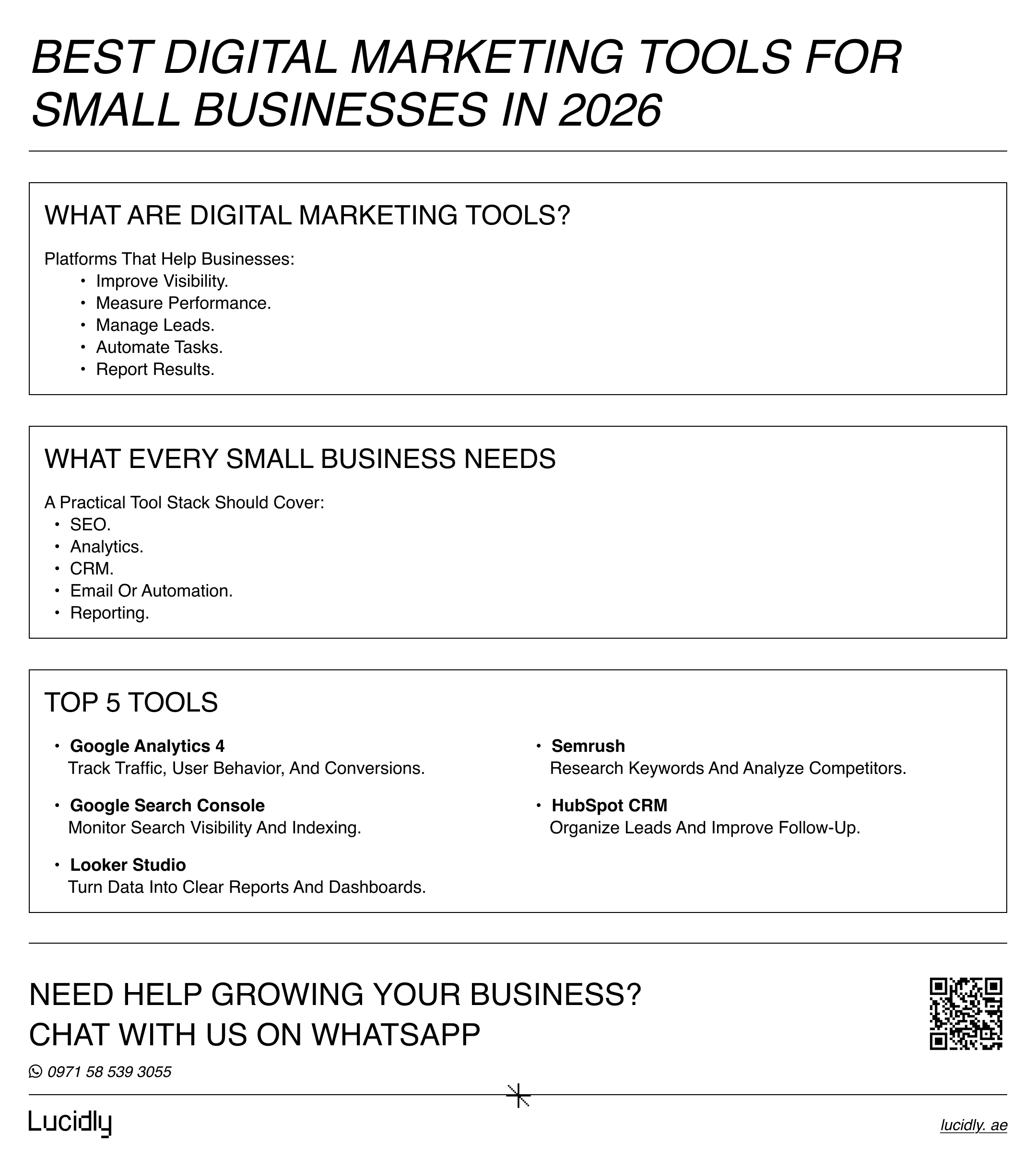
Credit: lucidly.ae
Non-obvious Insights For Small Businesses
Many owners focus only on price or popularity. But two important points are often missed:
- Data ownership: Always check if you can export your data easily. Some tools lock you in, making it hard to switch later.
- Automation potential: Tools that automate tasks (like invoicing or follow-up emails) save hours each week. Over time, this boosts productivity more than any single feature.
Also, don’t ignore customer support. Fast, helpful support can save you frustration when problems pop up.
Sample Monthly Cost Overview
A typical small business using one tool in each main area might see costs like this:
| Tool | Monthly Cost (USD) |
|---|---|
| Slack | $7.25/user |
| Asana | $13.49/user |
| QuickBooks Online | $30 |
| Buffer | $6/user |
| HubSpot CRM | Free |
| Shopify | $39 |
| Google Drive | Free (15GB) |
| LastPass | $4/user |
Actual costs depend on team size and chosen features.
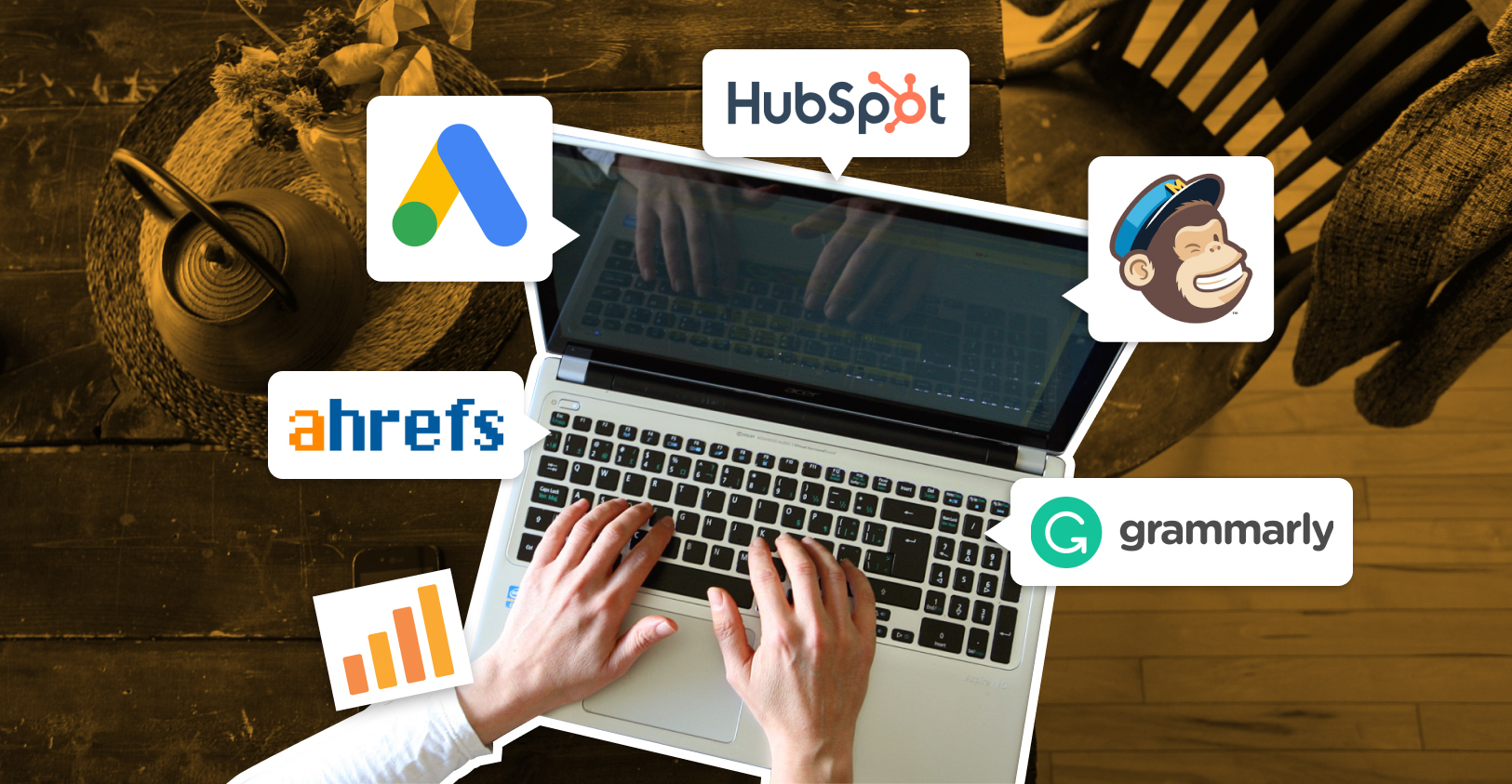
Credit: www.growth-rocket.com
Frequently Asked Questions
What Is The Most Important Digital Tool For A Small Business?
It depends on your main need, but accounting software like QuickBooks or FreshBooks is critical for tracking money, taxes, and growth.
How Do I Know If My Business Needs A Crm?
If you have more than 20 customers and want to track sales, follow-ups, or customer support, a CRM is very helpful and saves time.
Are Free Tools Good Enough For Small Businesses?
Many free tools offer basic features that work well for startups. However, as your business grows, you may need to pay for more advanced options.
How Do I Keep My Business Data Secure Online?
Use strong, unique passwords for every account, enable two-factor authentication, and store files in trusted cloud services like Google Drive or Dropbox. A password manager like LastPass is also very useful.
Where Can I Find Reliable Reviews Of Digital Tools?
Websites like Capterra offer user reviews and comparisons for most business software.
Choosing the best digital tools is not just about following trends. It’s about making your small business run smoother, safer, and smarter. Start with your real needs, try out a few options, and build a toolkit that supports your goals.
With the right tools, even a small team can achieve big results.
