
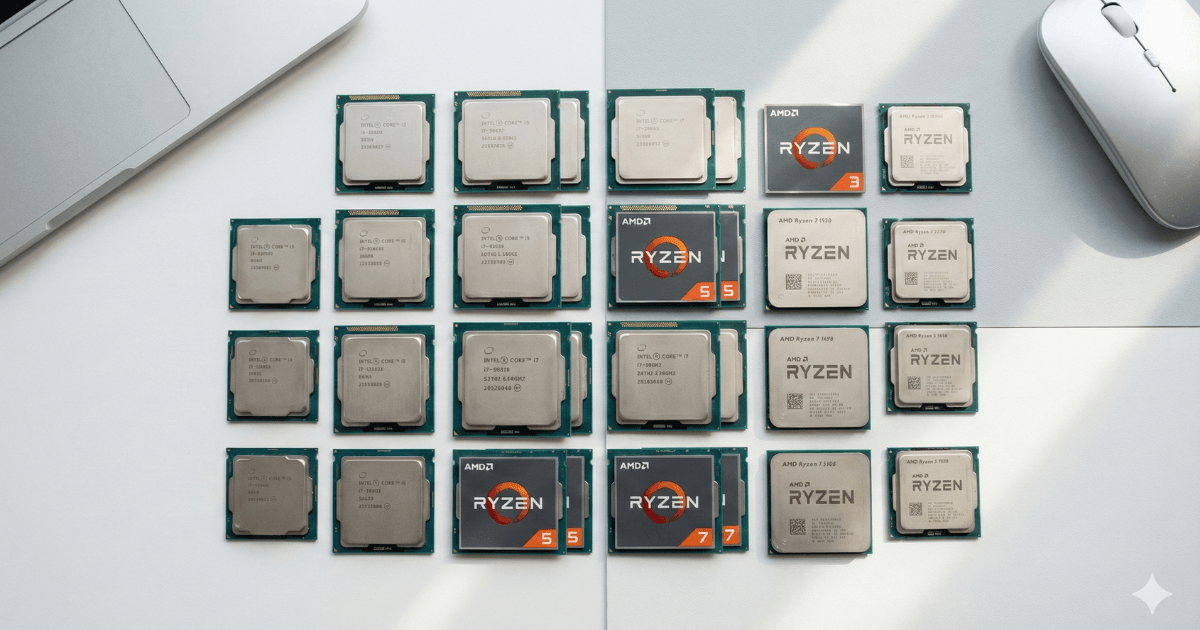
Choosing the right laptop processor is often the hardest part of buying a new laptop.
It decides:
- How fast your laptop will feel
- How many apps you can run at once
- How smooth video calls or meetings will be
- How quickly you can edit photos or videos
- How long your laptop will last in the future
Your processor (CPU) is the brain of your laptop — choosing the right one makes everything else better.
In this guide, you’ll learn exactly which processor is best for students, office professionals, and creators based on real-world usage, not confusing technical numbers.
What Makes a Laptop Processor Good?
A strong CPU gives you:
- Fast app loading
- Smooth multitasking
- Better performance in meetings and video calls
- Stable performance over many years
- Better battery life (depending on CPU type)
Both major CPU brands — Intel and AMD — offer excellent processors.
- Intel Official Website: https://www.intel.com/
- AMD Official Website: https://www.amd.com/
Let’s break it down by user type.
Section 1: Best Laptop Processors for Students
Students need a laptop that is:
- Fast enough for assignments
- Smooth for browsing & research
- Good for online classes
- Affordable
- Portable
- Battery-efficient
You do not need an expensive high-end CPU unless you study engineering, design, programming, or video editing.
Recommended CPUs for School & College Students
Intel Core i3
Great for basic school work:
- Notes
- Google Docs
- Web browsing
- YouTube
- Online classes
Smooth and reliable.
Intel Core i5
Best overall choice for most students.
- Handles 20–30 browser tabs
- Faster performance
- Great for multitasking
- Better for future use
AMD Ryzen 3
Budget-friendly, smooth performance.
AMD Ryzen 5
The most balanced CPU for students.
- Excellent battery life
- Strong performance
- Perfect for heavier tasks
- Better long-term value than i3/Ryzen 3
Special Note for Technical Students
If you study:
- Computer science
- Engineering
- Architecture
- Graphics design
- Programming
Get:
- Intel i5 / i7
- AMD Ryzen 5 / 7
These handle:
- Coding
- AutoCAD
- Software tools
- Simulations
much better.
Section 2: Best Laptop Processors for Office & Remote Work
Office workers need:
- Fast and stable performance
- Smooth multitasking
- Strong performance in Outlook, Excel, Sheets
- Great video-call quality
- Long battery life
You don’t need an ultra-powerful CPU — you need a balanced one.
Recommended CPUs for Office Work
Intel Core i5
The best CPU for office & work-from-home.
Reasons:
- Great single-core speed
- Fast in MS Office
- Smooth video calls
- Best battery life in ultrabooks
- Supports multiple monitors
This is the most recommended CPU for remote workers.
AMD Ryzen 5
A perfect alternative to Intel i5.
Benefits:
- Strong multitasking
- Better integrated graphics
- More powerful at rendering tasks
Great for users who open many tabs at once.
Intel Core i7 (U or P series)
For workers who use:
- Large spreadsheets
- CRM tools
- Data-heavy dashboards
i7 gives faster results and supports heavy workloads.
AMD Ryzen 7
For professionals who need:
- Fast data processing
- Smooth multitasking
- Better app performance
Ideal for analysts & power users.
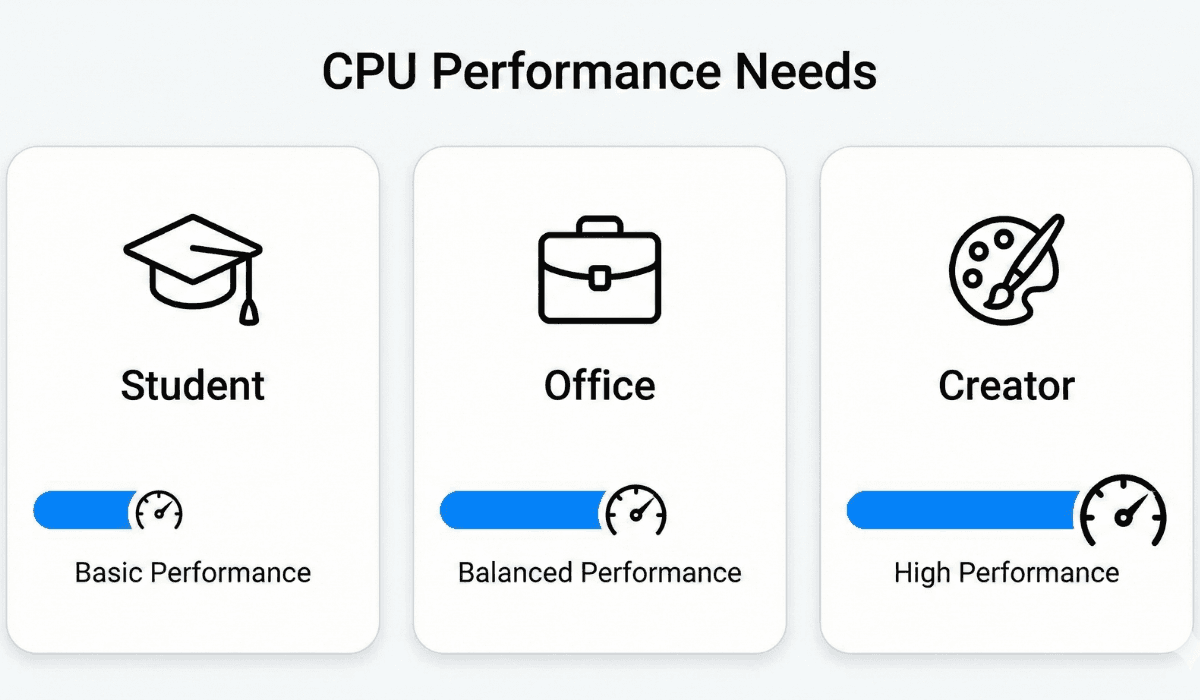
Section 3: Best Laptop Processors for Creators
(Editing, Design, Photography, YouTube, Animation)
Creators need the fastest CPUs because creative apps depend heavily on processor power.
Creative workloads include:
- Video editing
- Graphic design
- Motion graphics
- Music production
- 3D rendering
- Heavy Lightroom usage
This is where multi-core performance matters the most.
Recommended CPUs for Creators
AMD Ryzen 7
Perfect for:
- Video editors
- Photographers
- Multitaskers
Ryzen 7 offers excellent multi-core performance, making exporting, rendering, and timeline playback smoother.
AMD Ryzen 9
For professionals who need maximum performance.
Recommended for:
- High-end video production
- 4K editing
- 3D animation
- Motion graphics
- Blender users
Extremely powerful.
Intel Core i7 (H series)
Great for creators who:
- Use Adobe Premiere Pro
- Edit large photo batches
- Run multiple creative apps
Good combination of speed + stability.
Intel Core i9
Top-tier Intel chip for workstation-level work.
Best for:
- Heavy After Effects
- Large 4K/6K video files
- High-end project workflows
If you want a future-proof machine, i9 delivers.
Section 4: Choosing Based on Workload
Light Use (Browsing, online classes, streaming)
- Intel i3
- Ryzen 3
Medium Use (Office work, school work, multitasking)
- Intel i5
- Ryzen 5
Heavy Use (Editing, programming, design)
- Intel i7
- Ryzen 7
Extreme Use (4K editing, 3D, animation)
- Intel i9
- Ryzen 9
Section 5: Which CPU Series to Avoid?
Avoid:
Intel Celeron
Intel Pentium
AMD Athlon
Laptops with only 4GB RAM + weak CPU
Ultra-cheap processors with low benchmark scores
These will feel slow even for basic tasks.
Section 6: Students vs Office vs Creators — Quick Table
| User Type | Best CPU | Why |
|---|---|---|
| Students (General) | Intel i5 / Ryzen 5 | Balanced performance |
| Students (Tech) | Intel i7 / Ryzen 7 | Heavy tools |
| Office Work | Intel i5 / Ryzen 5 | Performance + battery |
| Remote Work | Intel i5 | Best battery & stability |
| Creators | Ryzen 7 / i7 H | Strong multi-core |
| Professionals | Ryzen 9 / i9 | Maximum performance |
Final Verdict
Choosing a laptop CPU depends on what you do:
Students:
Intel i5 or AMD Ryzen 5
Best value + long-term performance.
Office Workers:
Intel i5
Best stability, battery life, and smoothness.
Creators:
AMD Ryzen 7 or Intel i7 H
Perfect for editing, design, and production.
Internal Link — Best Laptop Processors Explained
URL:
https://katechsolutionsltd.com/best-laptop-processors-explained/
Internal Link — Intel vs AMD Laptop Processors
URL:
https://katechsolutionsltd.com/intel-vs-amd-laptop-processors/
